2026 · Book review
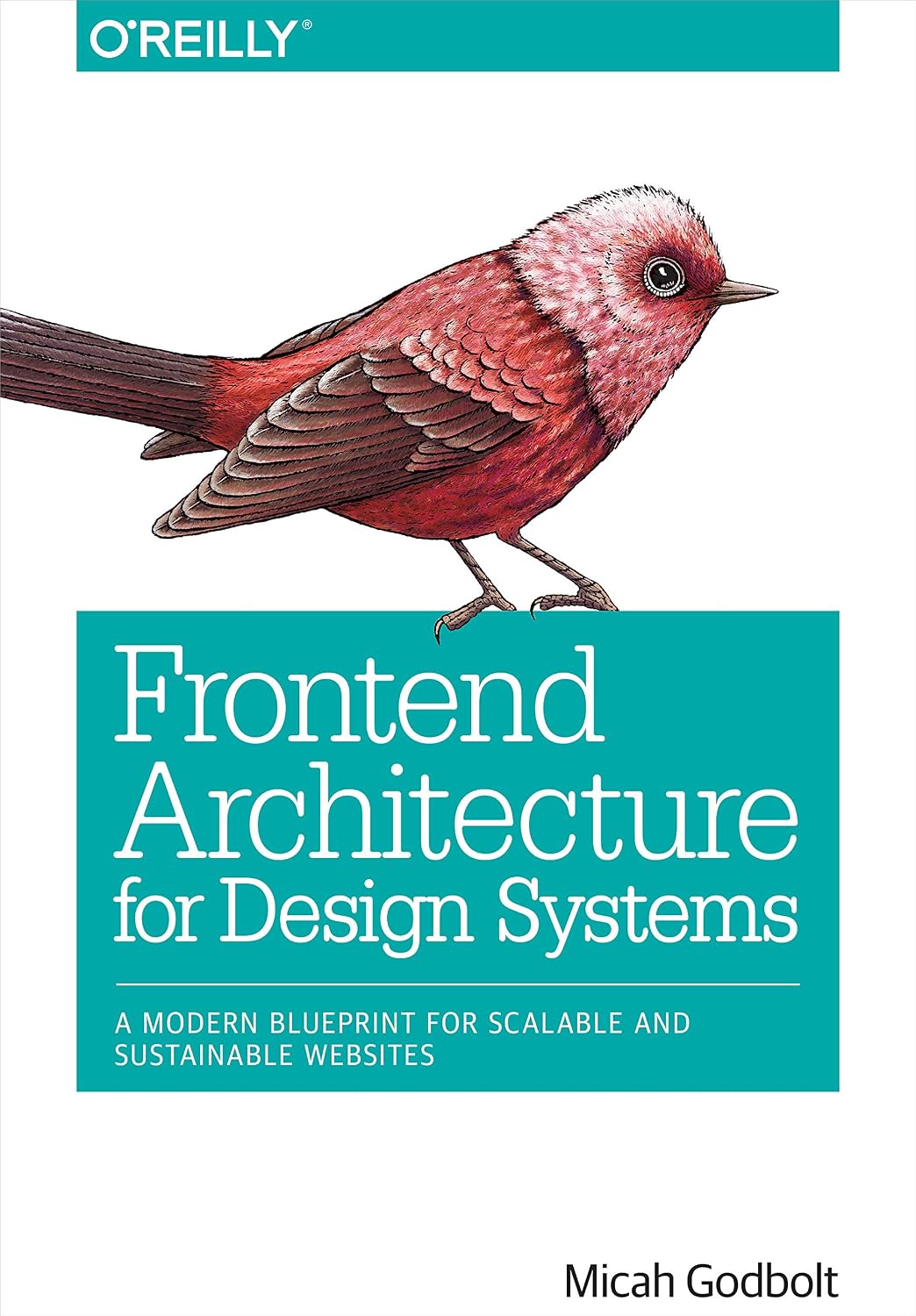
Frontend Architecture for Design Systems: A Review Ten Years Later
· 11 min read
TL;DR
Frontend Architecture for Design Systems (2016) is a case study of how Micah Godbolt built Red Hat’s design system, not a guide to architecting frontend applications. Its tools are a decade out of date, but its thinking holds up, especially in the Process pillar, where shared templates and JSON schemas give markup ownership back to the frontend team. Read it for the mindset and the history; for modern frontend architecture, start with the resources at the end.
Abstract
This is a review of Micah Godbolt’s Frontend Architecture for Design Systems (O’Reilly, 2016), written ten years after it came out. I explain what the book actually is: a case study of Red Hat’s design system, organized into four pillars (code, process, testing, and documentation). Then I walk through each pillar, and close with my verdict and the resources I found more useful for learning frontend architecture today.
Introduction
Like anyone who wants to advance in their career, I wanted to understand frontend from a higher level, so I searched for “frontend architecture books.” And yes—I believe books are one of the best resources for deep knowledge. Reading is a kind of meditation for me, where I am always looking to achieve the flow state, that when achieved; topics flow smoothly and my mind creates new links on its own, connecting what I already know with what I’m reading, and it feels like a light bulb switching on in my head.
Unsurprisingly, there are almost no books on this topic, apart from one: Frontend Architecture for Design Systems: A Modern Blueprint for Scalable and Sustainable Websites by Micah Godbolt. My euphoria was immense when I found it, but it didn’t last long. “Modern” here referred to 2014 modernism (more than a decade ago). That meant no HTTP/3, no webpack or Vite, etc.
The book was published in 2016, a year after HTTP/2 was introduced in 2015, yet it still refers to resource concatenation, image maps, and domain sharding, workarounds that HTTP/2 made largely unnecessary. That’s because its tools and methodologies date back to 2014, when Micah started his Red Hat design system project.
Despite the book being outdated, I decided to give it a shot and read it from cover to cover. I don’t regret it, and I will share my thoughts so that you can decide whether to read it or not. I will also point to other resources on the same topic that I found more helpful by today’s standards.
What the Book Is Really About
My expectation was a book about architecting a frontend application as a piece of software, since that’s what I was actually looking for. But when I looked at the title again, I realized it’s about architecting a design system. That means it focuses on the modularity of a website’s design system (e.g. design tokens, CSS architecture, semantic HTML, markup ownership, etc.) and less on architecting a frontend application as software (e.g. choosing the right application architecture, project structure, module boundaries, component architecture, etc.).
What the book really is, then, is a case study of developing a modular design system for Red Hat, a process that took over 800 days, and of the lessons learned along the way. Micah broke the design system architecture into four main pillars: Code, Process, Testing, and Documentation.
Pillar 1: Code
In the Code pillar, he focuses on developing modular markup and argues that we should stop thinking about websites as pages and start thinking about them as a visual language that communicates our design to users. He then compares different CSS architectures (OOCSS, SMACSS, BEM, etc.) and describes concepts like specificity, location-dependent styling, and style encapsulation.
JavaScript gets only two or three pages, with the advice that you might not need a framework, so start lean and always lint your code. At the end, he gives examples of how he architected the Code pillar at Red Hat by writing guardrails, which he named the “Road Runner Rules” after the rules Chuck Jones set for the cartoon, and by making sure every PR adhered to them.
Pillar 2: Process
If the Code pillar defines what good code looks like, the Process pillar defines how that code gets from a developer’s head to the user’s browser. This pillar was the best chapter for me. Here Micah stepped back and asked whether the process they were using was good enough for their needs, and, as is often the case, the answer was no. He looked at the root cause and started from there.
The Problem: Two Copies of the Same Markup
Micah’s frontend team worked several sprints ahead of the backend: they built a prototype, got it signed off, and handed it over for implementation. But the prototype’s markup lived in the frontend team’s own templates, so backend developers had to rebuild it by hand in the CMS, which at Red Hat meant re-creating every component in Drupal’s PHP templates. On his earlier projects, half of every implementation went into making the CMS output match the prototype, and many bugs were nothing more than a mismatch between the two.
Even when the two matched, they drifted apart: a change made in one copy wasn’t made in the other, until the prototypes no longer showed what was really in production. The root cause was that the CMS and the prototyping tool shared CSS and JavaScript but not HTML templates, which Micah calls the last mile problem. Drupal made it worse, because its rendering engine was so opinionated that you couldn’t prototype its markup without running Drupal itself.
The Fix: One Rendering Engine for Every Platform
So he decided to change their rendering engine and proposed a new strategy. The team cut into Drupal’s rendering pipeline and inserted their own: Twig templates, chosen because Twig had both PHP and Node compilers, so the style guide and production could render the very same template files. They adopted it, and it was clearly a lot better than the old one, and of course it solved the divergence problem.
From then on, the frontend team owned the templates, and the backend developers only had to collect the right data and pass it in. Micah describes the result as a design system API, or theme as a service: data goes in, and identical HTML comes out, whatever the platform.
The Workflow, Before and After
Chapter 8 shows the bigger picture behind this fix as two workflows, the old one and the new one, redrawn below from the book.
In the old workflow, UX handed off to design and development separately, and the frontend developer, brought in last, had to make the CMS markup look like the Photoshop comps.
In the new one, all four disciplines shape the requirements together, the markup is settled in a prototype everyone can try in the browser, and developers only pass data into it.
The Contract: A JSON Schema
Once the templates were shared, the data each template expected became the contract between the two teams. Backend developers asked for every template’s variables, their types, and which ones were required, and the answers grew into a standard set of files that shipped with every component: a JSON schema, a Twig template, a Sass partial, visual regression tests with their test data, and a documentation page with its starting data. The schema was usually written first and every change to a component started there, so Micah calls this a schema-driven design system: the same idea as test-driven development, with schemas in place of tests.
The book’s example is a simplified logo wall from the Red Hat site, with an optional headline and exactly two or three logos. Here is a shortened version of its schema from Chapter 10:
{
  "type": "object",
  "required": ["body"],
  "properties": {
    "headline": { "type": "string", "format": "text" },
    "body": {
      "type": "object",
      "oneOf": [
        {
          "title": "Two Up",
          "required": ["logos", "layout"],
          "properties": {
            "layout": { "type": "string", "enum": ["2up"], "options": { "hidden": true } },
            "logos": {
              "type": "array",
              "format": "tabs",
              "minItems": 2,
              "maxItems": 2,
              "items": { "$ref": "#/definitions/logo" }
            }
          }
        },
        {
          "title": "Three Up",
          "required": ["logos", "layout"],
          "properties": {
            "layout": { "type": "string", "enum": ["3up"], "options": { "hidden": true } },
            "logos": {
              "type": "array",
              "format": "tabs",
              "minItems": 3,
              "maxItems": 3,
              "items": { "$ref": "#/definitions/logo" }
            }
          }
        }
      ]
    }
  },
  "definitions": {
    "logo": {
      "title": "Logo",
      "type": "object",
      "oneOf": [
        {
          "title": "Upload File",
          "required": ["file"],
          "properties": { "file": { "type": "string", "format": "file" } }
        },
        {
          "title": "Paste URL",
          "required": ["url"],
          "properties": { "url": { "type": "string", "format": "url" } }
        }
      ]
    }
  }
}
Three parts of it matter most. The headline isn’t listed in required, so it’s optional. oneOf forces the body to match exactly one shape, two logos with the 2up layout or three with 3up, which answers a question the mockup left open: what happens to the layout when there are only two logos? And each logo is defined once and reused through $ref, as either an uploaded file or a pasted URL.
Here is valid data for it, as the book shows it:
{
  "headline": "This is my headline",
  "body": {
    "layout": "2up",
    "logos": [
      { "url": "http://www.fea.pub/my-logo.png" },
      { "file": "path/to/my-other-logo.png" }
    ]
  }
}
And here is the Twig template the book pairs with it:
<div class="logo-wall">
  {% if headline %}
    <h1 class="logo-wall-headline">{{headline}}</h1>
  {% endif %}
  <div class="logo-wall-logos" data-layout="{{body.layout}}">
    {% for logo in body.logos %}
      <img class="logo-wall-logo" src="{{ logo.file ?: logo.url }}" />
    {% endfor %}
  </div>
</div>
The book stops at the template and only says the layout is handled “within our CSS,” so here is a sketch of that Sass partial, written in the style of the book’s own examples, with each logo opting in to the layout its parent receives:
// _logo-wall.scss

.logo-wall-headline {
  margin: 0 0 24px; // elements never use top margins
}

.logo-wall-logos {
  display: flex;
  align-items: center;
}

.logo-wall-logo {
  display: block;
  box-sizing: border-box;
  height: auto;
  padding: 0 16px;

  // The logo opts in to the layout its parent gets from the schema:
  // two logos split the row in half, three split it in thirds.
  [data-layout="2up"] > & {
    width: 50%;
  }
  [data-layout="3up"] > & {
    width: 33.333%;
  }
}
The Twig template prints the headline only if it’s set, writes body.layout into a data-layout attribute for the CSS, and loops over the logos, using the file when there is one and the URL otherwise. So that one schema gave the team the content model, validation before rendering, every variation the template had to handle. The backend can only fill in the fields the schema allows, so it can no longer change how a component is structured. That is what gives the frontend team full control.
Pillar 3: Testing
Once the code and the process were in place, the next question was how to keep the system from breaking as it grew, and that’s the Testing pillar. Micah’s starting point is that no architect can review every commit, so tests do it instead: they’re written with the code (or before it), live in the same repository, and must all pass before anything is merged into master. He covers three kinds of tests.
Unit tests check small functions that each do one thing, and at Red Hat every user story came with time reserved for them, about two hours for every eight hours of development. Performance tests enforce a budget, ideally 20% better than your competitors or the industry average, checked automatically through Grunt plug-ins for PageSpeed and WebPageTest. This chapter is also where the dated advice I mentioned earlier lives: concatenating files, image maps, and domain sharding all appear as ways to cut down HTTP requests.
Visual regression testing gets the most attention, with two full chapters. Micah opens with a scene every frontend developer knows: a pixel-perfect contact form keeps coming back to your ticket queue, because another developer changed a shared class, a designer compared it to an outdated Photoshop file, or a stakeholder changed their mind and called it a bug. His answer is to commit an approved screenshot of every component and compare every change against it, so a real regression stands out from yet another change request.
Pillar 4: Documentation
Testing keeps the system reliable, but only if people actually know how to use it, and that’s where the Documentation pillar comes in. Micah’s argument is that frontend code grew into real systems of abstractions and dependencies, yet we never picked up the documentation habits of other programmers and kept that knowledge in our heads. He treats documentation as part of development, not something to do afterward, and skipping it creates technical debt, just like untested code.
He splits documentation into two kinds. Static documentation is written by hand next to the code: Hologram turns comment blocks in your Sass files into a style guide with rendered examples, and SassDoc documents your Sass variables, functions, and mixins and maps which ones depend on which. Code-driven documentation is generated from the code itself: Pattern Lab, built on Brad Frost’s Atomic Design, turns your templates into a browsable library of patterns, and JSON schemas spell out exactly what data each template expects.
Today, both kinds of documentation are built with different tools. Storybook does the job of both Hologram and Pattern Lab: each component’s states are written as stories next to its code, and its Autodocs feature turns them into a documentation page with live examples, interactive controls, and a props table inferred from the component itself.
SassDoc’s job, documenting the variables a design system is built on, has moved to design tokens. Colors, spacing, and typography are defined once in the Design Tokens Community Group format, which reached its first stable version in October 2025 (fairly new spec), and tools like Style Dictionary compile them into CSS, JavaScript, iOS and Android code, and even documentation.
My Verdict
My honest review is that Micah’s solutions showed a great architectural mindset for the era in which he wrote the book. On the personal level, the book changed how I look at frontend development, from a bunch of components laid out on a screen to a set of rules that translate a design language (aka design system). It showed me the importance of slowing down and taking a step back to criticize and think about alternatives. It also gave me a glimpse of how software was built in the past, and how far the technological revolution has come.
Despite all of what I learned from the book, I still don't recommend it for anyone who is looking for a book to learn how to design a modern scalable frontend system by today's standard.
Better Resources for Modern Frontend Architecture
If you are looking to learn the modern fundamentals of frontend architecture, here is a list of free better alternatives I have found useful:
- Frontend System Design of a Large CPA Platform, an article by Dmitrii Lobanov
- Fundamentals of Frontend Architecture, a course by Maxi Ferreira (Frontend at Scale)
- Frontend System Design, a course by Abdallah Hemdan (Arabic).